Guides
Can you measure from a photo? Start with scale and purpose
Learn what a photo can tell you about size, why scale and perspective matter, and how a guided capture supports preliminary measurements for service estimates.
Pixels are not a real-world length
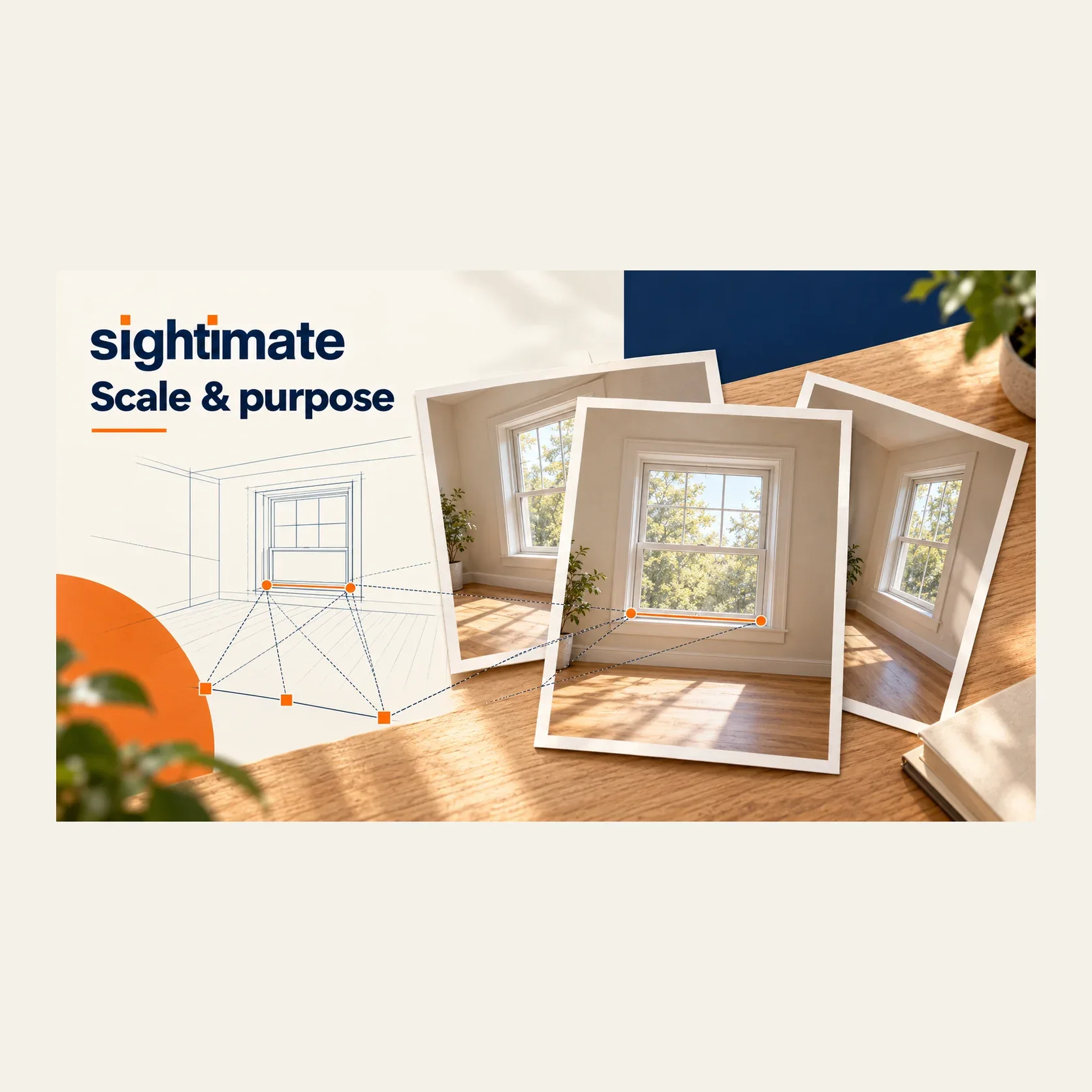
The distance between two points in an image is measured in pixels. Converting that distance into inches or centimeters requires information about scale. An object that looks twice as wide in the image is not necessarily twice as wide in the room: its distance from the camera and the camera angle matter.
That is why an ordinary photo sent in a message should not be treated as a measured drawing. Even a familiar object is an unreliable reference if you have not confirmed its actual size. Door leaves, frames and trim can also have different dimensions despite looking similar.
Begin with the decision you need to make. An image might be enough to discuss a finish or to ask a more specific question. A measurement for a preliminary estimate needs a defined method. An order or installation needs its final dimensions confirmed on site.
Different methods need different inputs
A single image with a known reference
Some tools let you enter a known length and use it to scale measurements in one image. The reference must be measured correctly and suitable for the feature you are measuring. Perspective and differences in depth can make a simple pixel comparison misleading. Do not assume that a reference at the front of the scene supplies the scale for an object farther away.
A guided multi-view capture
Sightimate follows a different workflow. The customer completes a short calibration movement and guided photos. After processing, you review the scan and select measurement points on your computer. You do not enter a reference length or ask the customer to hold up a card for this workflow.
Sightimate does not provide a workflow for uploading an arbitrary existing photo and immediately obtaining its real-world dimensions. A saved photo from a completed Sightimate scan is part of that processed capture; it is not an independent single-photo measurement.
A final measurement on site
For ordering or installation, confirm the required dimensions using the checks appropriate to the job. A remote measurement does not establish hidden conditions, product suitability or a correct final fit. See preliminary versus final measurements.
How to take a preliminary measurement in Sightimate
Create the job and send its scan link. Ask the customer to follow the phone’s on-screen capture steps.
After processing is complete, open the measurement workspace on your computer and review the available photos.
Choose clearly identifiable start and end points for the dimension you need. Describe those edges in your notes so you know what was measured.
Complete the checks in other photos when prompted. Review the displayed unit and estimated uncertainty before using the result.
If a required edge is hidden or a point is ambiguous, do not infer its position. Ask for a more suitable capture or leave the dimension for the site visit.
The phone-capture guide explains preparation and movement. Follow the actual screen prompts: slide the phone sideways while keeping it upright, at the same height and facing the same direction; do not substitute a turning or panning motion.
Choose the right end points, not just the right-looking number
Consider an illustrative door inquiry. The customer wants to discuss replacement options before a visit. You identify a visible opening width and record which edges it spans. A second measurement across the outside of the trim may be useful for another question, but it is not interchangeable with the opening width.
Keep the image observation, the selected dimension and your conclusion separate. The photo may show a step or nearby obstruction without supplying every detail needed for installation. If the customer changes the scope, review which measurements still apply.
Use the door and window measurement checklist for opening-specific questions. The preliminary estimate checklist helps record scope, access, measured values and what remains unknown.
Understand what the ± value does and does not say
The ± value is an estimate of measurement uncertainty. It is not a guaranteed maximum error and does not by itself establish that a result is suitable for a particular job. The capture, scale source, visibility of the selected points and completion of the photo checks all matter.
A precisely displayed number can still refer to the wrong edges. Conversely, a value with substantial uncertainty should not be treated as an exact dimension merely because its center looks plausible. Review the photos and the purpose of the measurement before using it.
Our scan-versus-tape comparisons describe individual validation checks. They are examples of observed results, not a guarantee that another capture will have the same difference.
Use the image to plan the next action
For an early inquiry, the useful outcome is not always a price. You might have enough information for a preliminary range, need a specific answer from the customer, or decide to visit before estimating. Record that decision and its basis.
A remote site survey connects the customer’s capture, your review and the follow-up questions. Door, window and fence work are current examples; other service workflows need their own suitability checks rather than inheriting an accuracy claim from these examples.
Keep the measurement in context: what was visible, what was measured, what the customer reported and what still needs checking. This is more useful than treating every dimension that appears on a screen as ready for an order.
Questions before you start
Can I measure an old photo already saved on my phone in Sightimate?
Sightimate requires its guided capture and processing workflow. It does not offer arbitrary single-photo uploads for real-world measurements. You can revisit the photos belonging to a completed Sightimate scan.
Do I need a ruler or a reference card in the capture?
Not in the Sightimate workflow. Scale is derived from the guided capture. This differs from single-image tools that ask you to enter a known reference length.
Does a small ± value mean I can order materials?
No. Review the selected points, capture and intended use. Confirm final dimensions and site conditions before ordering or installation.
Can the software measure a hidden edge?
Do not assume the position of an edge that cannot be identified. Request another suitable capture or take that measurement on site.
Try a guided capture on your next inquiry
Review the visible job details and take preliminary measurements. Confirm final dimensions on site before ordering or installation.